

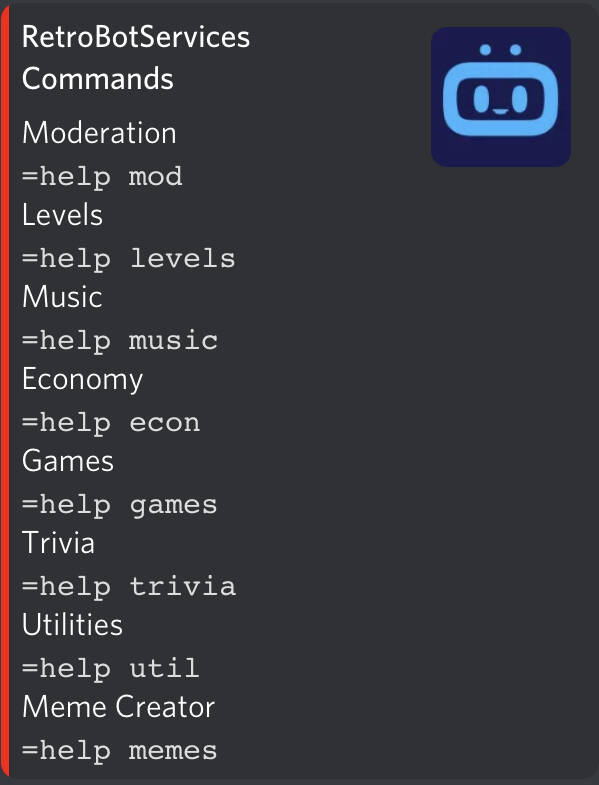
RetroBotServices Commands
Moderation Commands.
Moderation
=help mod
Moderation Commands
/ban <@user> <reason>
Bans a member from the server.
/help
Displays all the commands of the server.
/mute <@user>
Mutes a user in the server.
/unmute <@user>
Unmutes a user in the server.
/warn <@user>
Warns a user.
/warnings <@user>
Displays all the past warnings of a user.
/clearwarnings <@user>
Clears all the warnings of a user.
/status
Changes the status of the bot.
/report <@user> <option reason>
Reports a user.
/suggest <suggestion>
Logs a suggestion to the server.
/invite
Generates the invite link for the bot.
/kick <@user>
Kicks a user from the server.
/say <message>
Broadcasts a message in the channel.
/addrole <@user> <role>
Adds a role to a User.
/removerole <@user> <role>
Removes a role from a User
/softban <@user> <reason>
Soft bans a user from the server.
/purge <no. of messages>
Deletes a number of messages in a channel.
/ping
Gets the ping of the server and bot.
Levels
=help levels
Level Commands
=level
Displays your current level, rank and experience.
=levels
Your servers level leaderboard.
Economy
=help econ
Economy Commands
=give <@target> <points>
Gives another member points from your balance.
=add-money <@target> <points>
Admin Only. Adds points to another members balance.
=remove-money <@target> <points>
Admin Only. Removes points from another members balance.
=check-balance
Displays the current balance of a member
=leaderboard
Shows the economy leaderboard of the server.
=daily
Claims your daily bonus.
=slotmachine <bet>
Test your luck against the slot machine.
Meme Creator
=help memes
Meme Commands
=memes
Returns a list of meme templates.
=create_meme <#id> <quote1, quote2,>
Creates a meme from a supplied template ID
Create Your Own Website With JouwWeb